
So, around a year or so ago I embarked on a little coding project, using a language I knew very little about; C# – but, a serious lack of experience and knowledge on my part, and despite wonderful help and encouragement from Dwayne at LDG Customer Support there is a noticeable absence of detail in the technical documentation which would have allowed me to move forward without issue. In addition, a change in my personal circumstances dictated that, despite my enthusiasm to have a go, after a brief initial spell I should temporarily place the project on hold, so I did. Well, here I am, a year later and I’ve decided to have another go – this time though, using Python.
I am no professional-level-coder, far from it, just a humble self-taught home hobbyist, and not being trained formally I’ve almost certainly developed numerous bad habits, without doubt will be using poor coding practices, and often ask myself what the hell is a class anyway!!
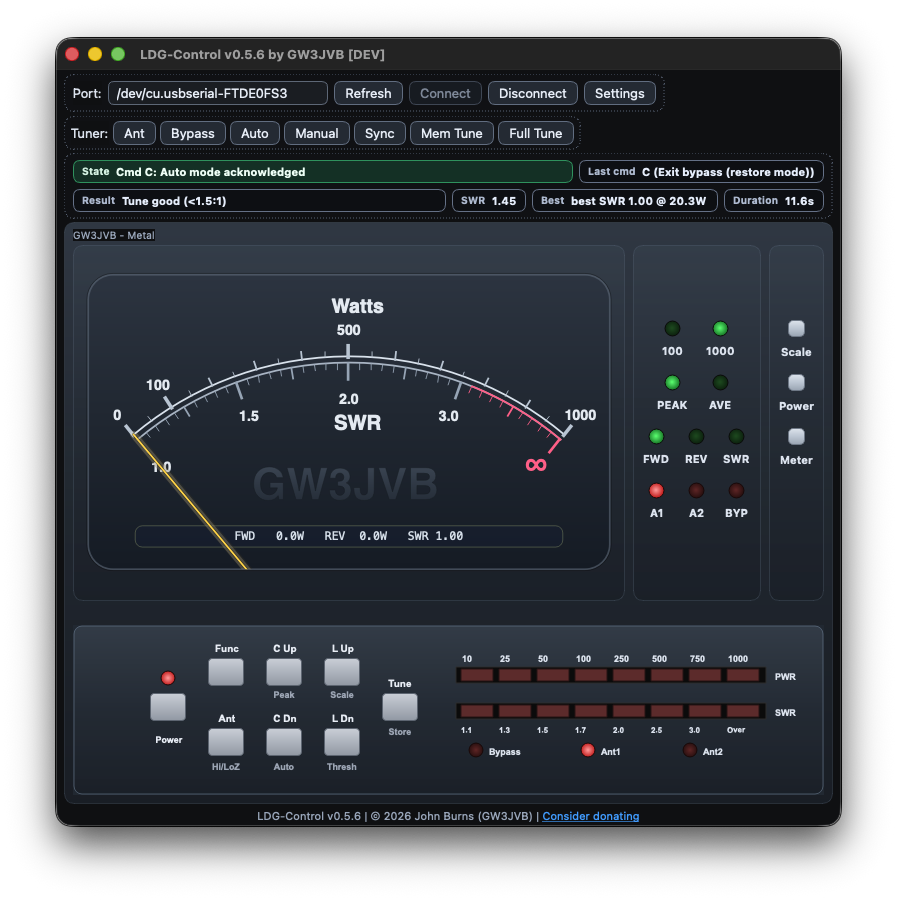
Despite these limitations, I enjoy the dopamine fix from the ups and downs from the inevitable successes and failures of coding / debugging. A good friend of mine who happens to be an expert developer, said to me once… “it gets to you – eat, code, sleep, repeat” – which sums it up precisely, and is exactly what happens to me when I become engrossed in a project and focussed on coding. I’ve spent the better part of this last week (mid Feb ’26) coding an app that I refer to as ‘LDG-Control‘. It’s an almost full control package for the LDG AT-1000ProII (and 600ProII) Autotuners, and includes a fully functional (+more) emulation of the accompanying and optional LDG M-1000 meter.
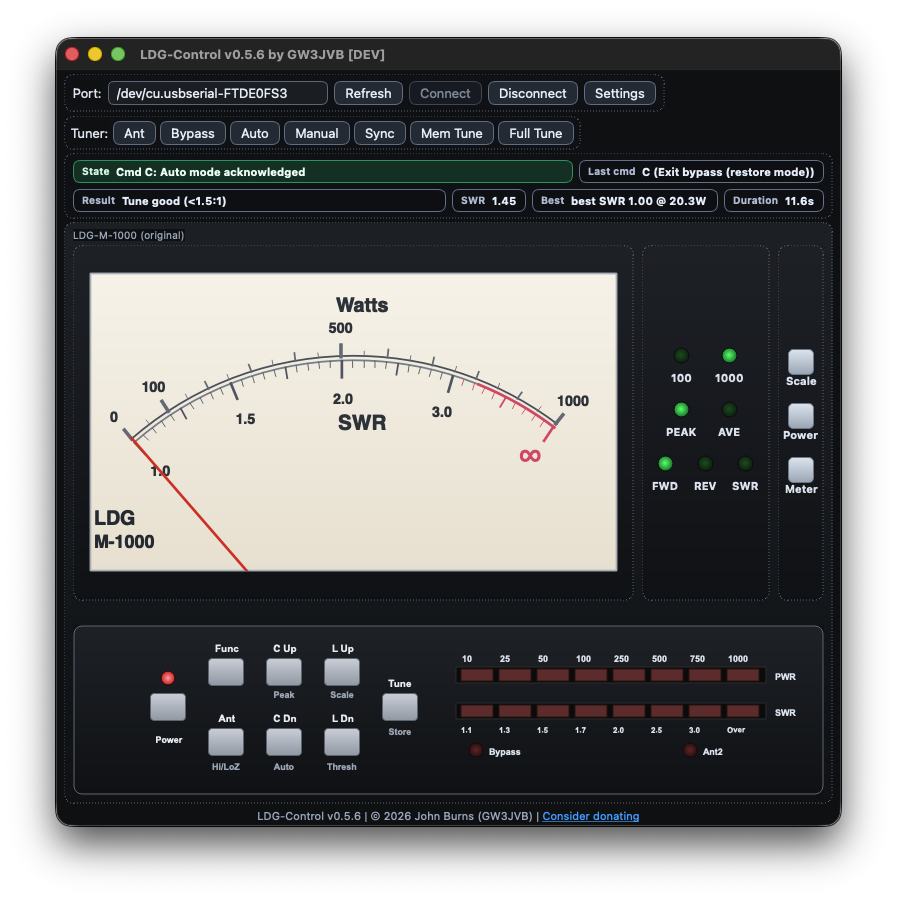
Essentially, it is a live Forward/Reverse/SWR meter and remote controller via MacOS/PC(eventually). It uses ‘skins’, one where I attempt to emulate the look and feel of the original LDG AT-1000ProII hardware, and the LDG M-1000 meter. I’ve also created a few additional skins which don’t just allow the user to choose an alternate aesthetic, they provide additional functionality not available on the original hardware. The API and communications protocol documentation provided by LDG was incredibly useful, but seriously short of the detail needed to replicate anything with accuracy. I had to use AI to help carry out detailed analysis of the RAW data sent by the hardware, and subsequently identified several undocumented (and what appear to be – repeatable) data streams.
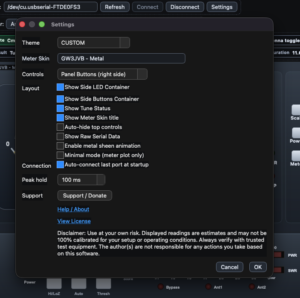
After a lot of investigation and testing, the returned streams and control commands emulated almost all of the hardware panel controls, but interestingly, also yielded additional functionality not available on the hardware. For those who own this tuner (and those who don’t via images of the device on the web), some of these additional features can be seen in the main page screenshot. (Maybe do a comparison of the LDG skin and one of mine).
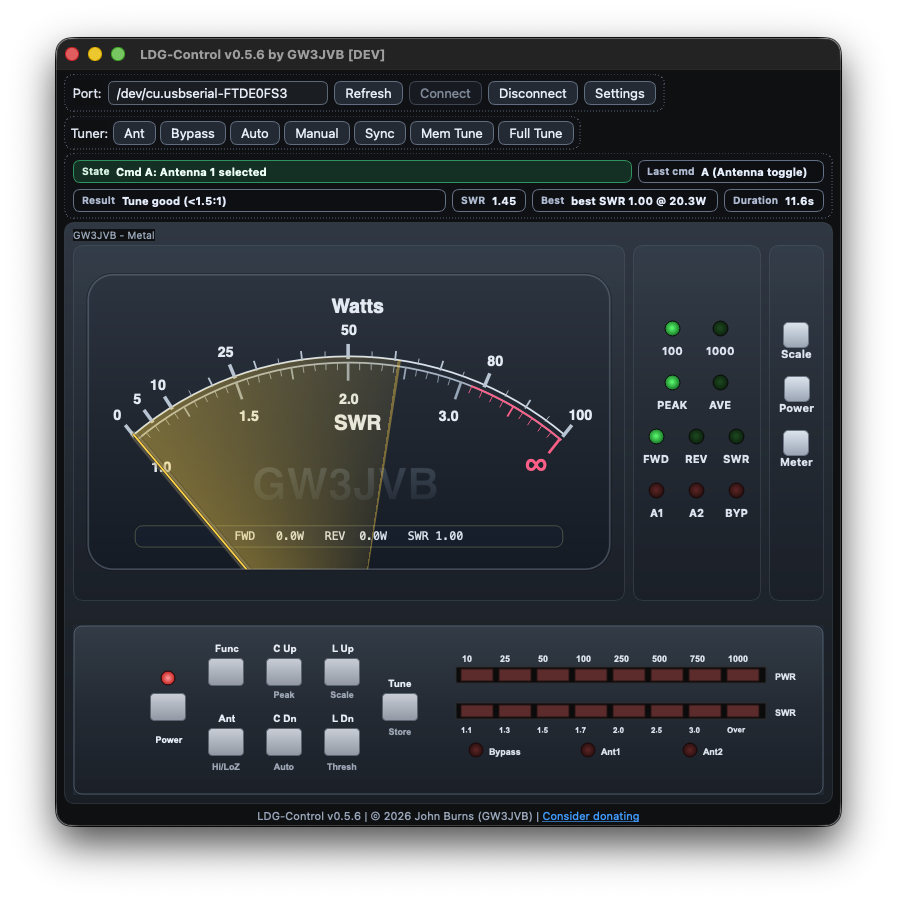
It’s not quite ready for release just yet, almost, but not quite. There are several issues I am still dealing with; layout and data parsing, as well as additional features I am still developing such as a X-Needle meter, an SWR Tuning Plot and possibly, UDP broadcasting – though I am pretty sure these additional items won’t be in any first release. In any event, I thought I’d draft a blog post to show what the app looks like at the moment, and to gauge if there’s the possibility of any interest whatsoever or maybe more likely, if I am a few sandwiches short of a picnic. If there does happen to be any, I will gladly pop it up on GitHub for the community and make it available free of charge. It’s coded for MacOS only at the moment, but if there’s enough (or any) interest I would consider porting it across to Windows.
I have added a channel on LDG-Control on my Discord server if you fancy joining in with any conversations or suggesting additional features. I’ve no members yet, lol, but here’s the link if you do fancy joining. https://discord.gg/89BugNgZN9
Also… if you stumble upon this blog post, thanks for reading and please do let me know what you think… cheers!
73 – GW3JVB