Transceiver KiwiSDR Bridge

Loading

GW3JVB RADIO SOFTWARE

Transceiver KiwiSDR Bridge

A Windows utility that lets supported radios and SDR software control a KiwiSDR receiver page, keeping the KiwiSDR frequency and mode in step with your radio.

Transceiver KiwiSDR Bridge is a Windows utility by GW3JVB that allows supported radios and SDR software to control a KiwiSDR receiver page, keeping the KiwiSDR frequency and mode in step with your radio.

It is designed for radio amateurs, shortwave listeners, experimenters, and anyone who wants a simple way to combine real radio hardware, SDR software, and the excellent KiwiSDR web interface.

What does it do?

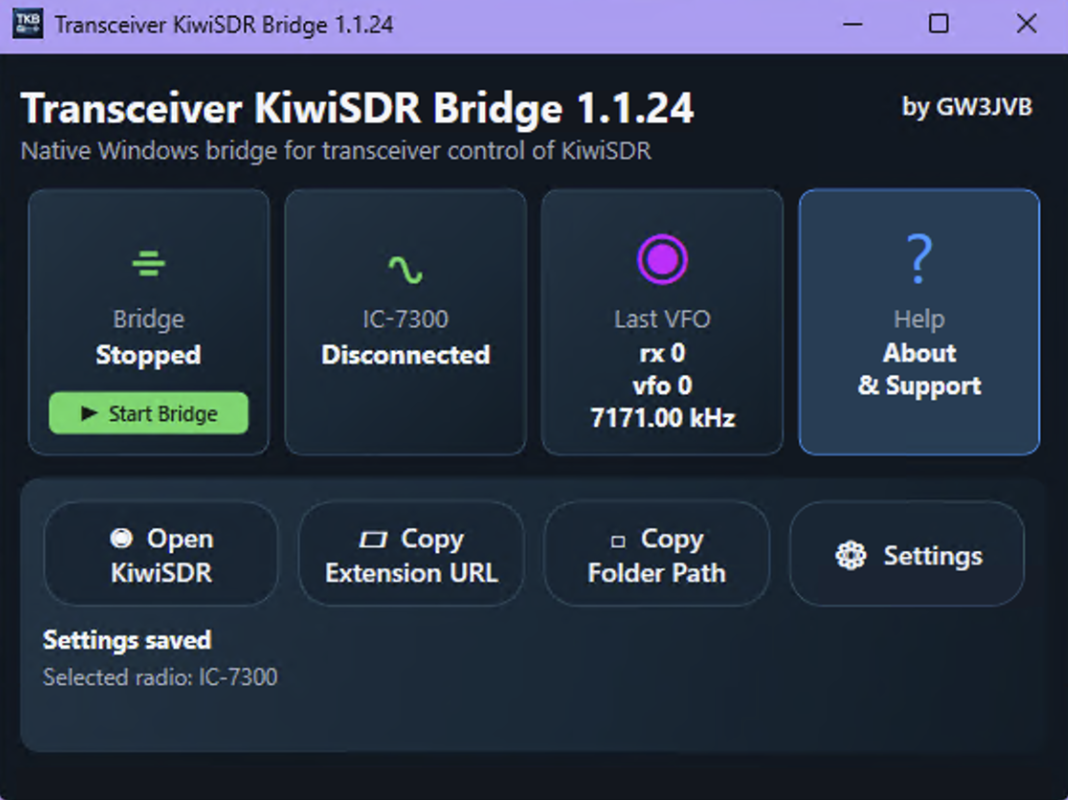
Transceiver KiwiSDR Bridge runs a small local bridge on your Windows PC. It reads frequency and mode information from a supported radio or SDR application, then passes that information to a browser extension running on the KiwiSDR page.

When you tune your radio, the KiwiSDR follows.

This means you can use a KiwiSDR as a companion receiver, spectrum display, monitoring receiver, or remote listening aid while keeping it aligned with your main operating frequency.

Current supported options

  • Icom IC-7300 using CI-V serial control
  • Thetis using TCI over the local network
  • Hamlib support for a wider range of radios
  • Experimental Yaesu CAT options, including FTDX10 testing
  • Chrome, Brave, and Microsoft Edge browser extension support

Support for additional radios will depend on testing, protocol information, and help from users with suitable equipment.

How it works

The system has three parts:

1. The Windows bridge app

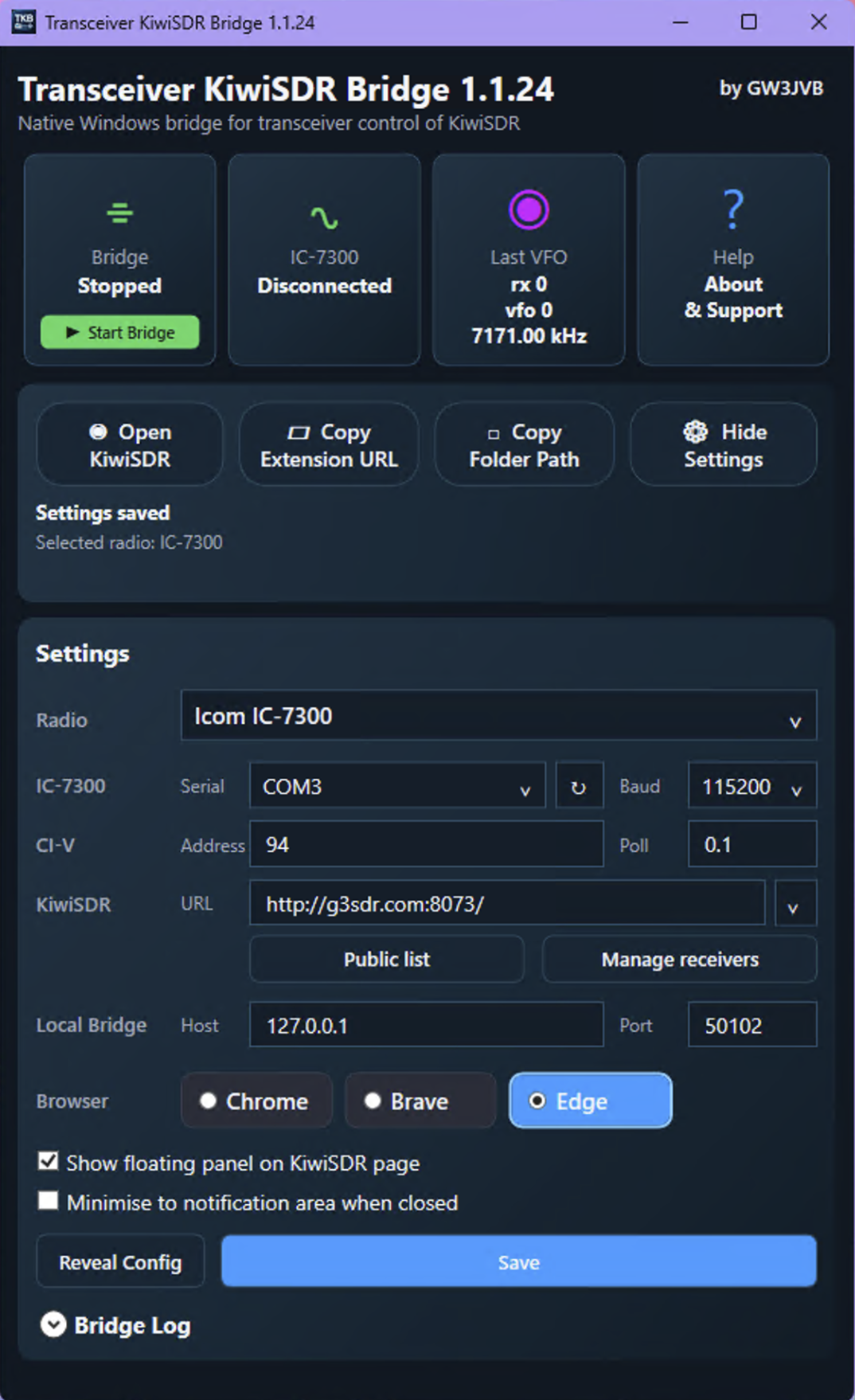
This is the main control app. It lets you choose the radio type, COM port or network details, KiwiSDR address, browser, and other settings.

2. The local bridge helper

This handles the radio or SDR communication and provides a local connection for the browser extension.

3. The browser extension

This runs inside the KiwiSDR page and applies the frequency and mode changes.

The browser extension currently needs to be loaded manually using Developer Mode in Chrome, Brave, or Edge. This is a browser security requirement.

Why I built it

This project grew out of my own amateur radio experiments linking radios, SDR software, microcontroller projects, and KiwiSDR receivers.

I wanted something simple, practical, and approachable: a small utility that lets the KiwiSDR page follow the radio without needing the user to run scripts by hand or dig through command-line tools.

It is hobby software, developed voluntarily in spare time, but I am trying to make it polished enough that other radio operators can use it with confidence.

Download

A public download will be made available here when the first wider test release is ready.

The Windows installer will install the bridge app, the local helper, bundled support files, and the browser extension folder.

After installation, users still need to load the browser extension manually into Chrome, Brave, or Edge. Full instructions are included with the installer and in the app.

Support Transceiver KiwiSDR Bridge

Transceiver KiwiSDR Bridge is developed voluntarily by John Burns, GW3JVB. If you find it useful, please consider supporting future development, testing, documentation, and support for more radios.

Important note

This is independent hobby software by GW3JVB. KiwiSDR, Icom, Yaesu, Thetis, Hamlib, Chrome, Brave, Edge, and other names are trademarks or projects belonging to their respective owners. Please test carefully with your own station setup.