Radio and SDR support
- Icom IC-7300 direct CI-V control
- Yaesu FTDX10 CAT control
- TCI Protocol systems including Thetis
- Hamlib-supported radios using bundled Hamlib
Current project
Latest version: checking...
A free Windows utility that links supported radios and SDR software to a KiwiSDR browser page, so the receiver can follow your radio frequency, mode and supported filter changes, with optional Kiwi-to-radio control on supported setups.
It runs as a local bridge app plus a small browser extension for Chrome, Brave or Microsoft Edge. The aim is simple: tune the radio, and have the KiwiSDR follow along without repeatedly typing frequencies into the web page.
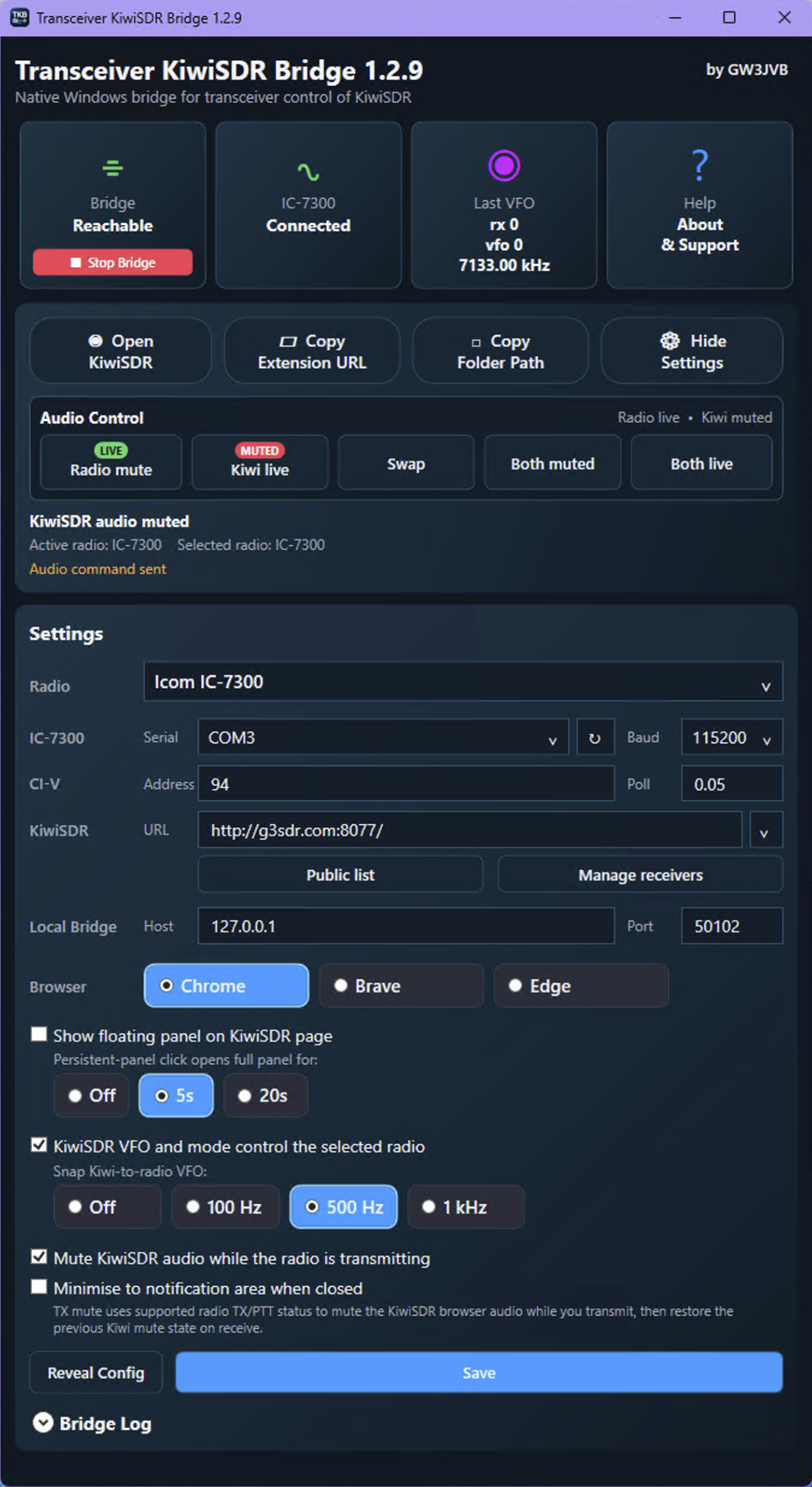
What it currently does
The bridge has grown from a small test into a more general radio-to-KiwiSDR utility. Some radio types are well tested, others are included for further testing with willing operators.
How it fits together
The Windows app talks to the radio, SDR software or Hamlib. The browser extension talks to the KiwiSDR web page. The local bridge sits between them, keeping the browser side deliberately simple while allowing supported control to work in both directions.
This approach also keeps the app flexible: the same KiwiSDR extension can be used while the control source changes between IC-7300, TCI Protocol, Hamlib and other supported radio options.
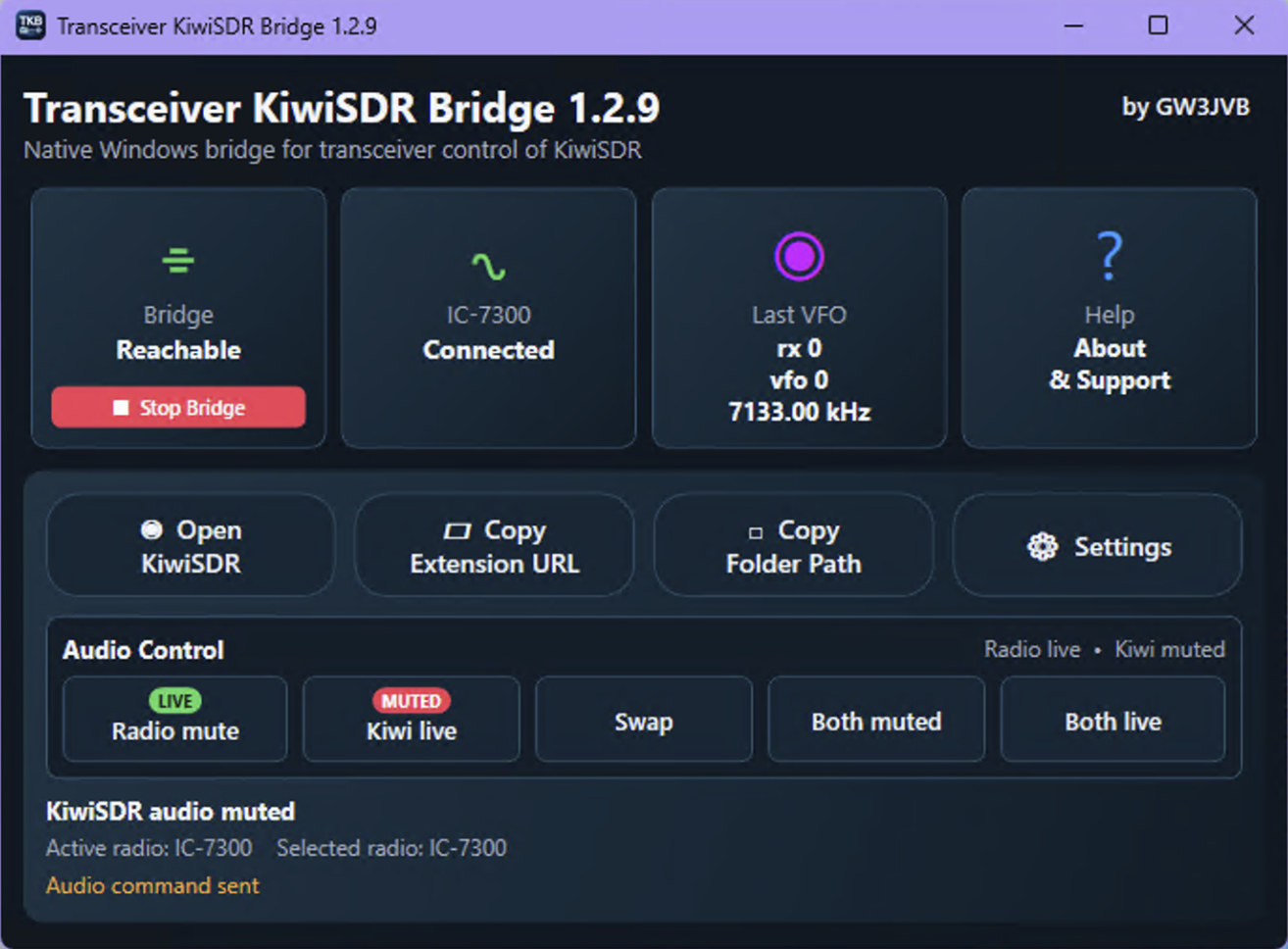
Installation overview
The installer places the app and bundled support files on Windows. The browser extension still needs to be loaded manually because it is not yet distributed through a browser extension store.
Start with the latest release on GitHub. When the download has finished, open your Downloads folder and run the installer from there. This makes it easier to find the file again if Windows asks for confirmation.
The browser extension is included with the installed app, but it needs to be loaded manually because it is not yet in the Chrome, Brave or Edge extension stores. The app can help by copying the extension folder path for you.
Once the app and browser extension are installed, choose how the Bridge should talk to your radio or SDR software, then enter the KiwiSDR receiver you want to control. Start with the settings that match your own station, and adjust from there.
Support development
This is a spare-time GW3JVB project, all my software is free. If it is useful in your shack, donations are entirely voluntary, but are appreciated, feedback via bug reports and testing with different radios I don't own are just as valuable - please contact me with any feature requests etc.